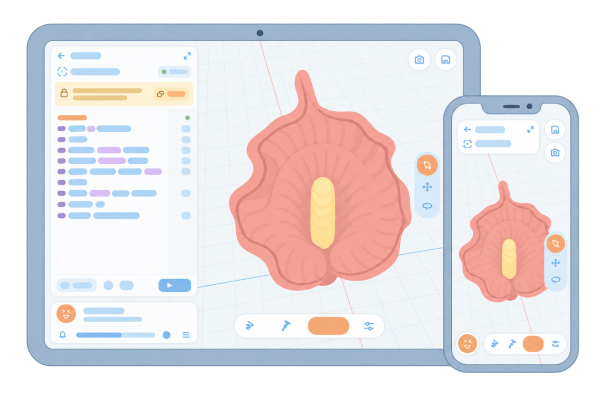
Across your devices
Create in your browser anywhere, anytime, on any device. iPad, smartphone, laptop, or PC — we’ve got you covered!
Your Online Crochet Workbench
Meet Knotly, a place to explore your crochet ideas stitch by stitch. Write a pattern, experiment with color and shaping, and watch it take shape in 3D — interactively, in your browser.
More room for your ideas
Create in your browser anywhere, anytime, on any device. iPad, smartphone, laptop, or PC — we’ve got you covered!
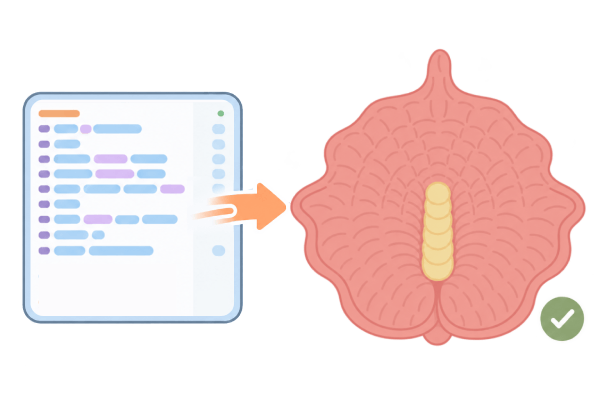
Turn your crochet patterns into accurate, realistic 3D models with our high-performance, physics-based simulations.
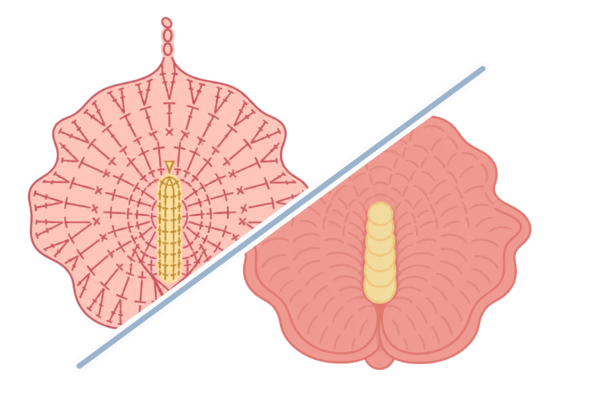
Follow work direction, distinguish right and wrong sides, and visualize your designs with standard crochet symbols.
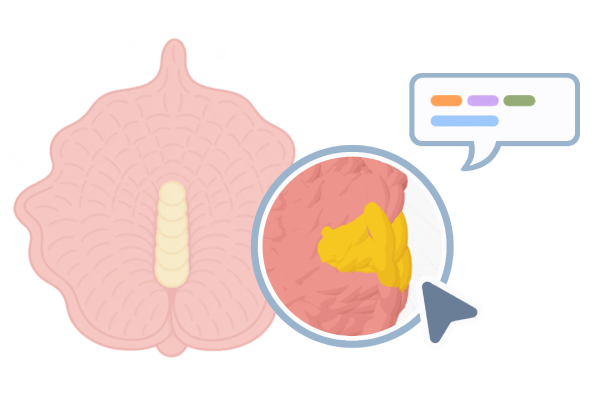
Explore and inspect your 3D patterns stitch by stitch, detect shaping issues, and locate key attachment points.
Move, rotate, and adjust your models with handy tools that make designing quicker and easier.
Edit your patterns with support for syntax highlighting, error checking, text formatting, and automatic stitch counting.
Ideas with a brand new dimension

An anthurium flower crochet pattern designed with Knotly

An classic amigurumi donut with chocolate glaze designed with Knotly using sewing

A flat sea star crochet motif pattern designed with Knotly

An amigurumi crochet pattern of a pink heart designed with Knotly using the join technique to create a combined shape
1–4 of 8
Before you begin
Yes, it is! We are currently in public beta and plan to keep Knotly free for the foreseeable future. We may introduce paid plans as we add more advanced tools and features, but the core functionality will remain free for all users.
Yes! Knowing basic crochet stitches and how to read a pattern will help, but you can start small and learn as you go. Explore the gallery for examples, then follow the Quick Start guide to try your first project.
You can browse the gallery and explore example projects without signing in. To create and save your own projects, you will need to sign in.
No installation is required! Knotly runs in all modern browsers — just open your browser and start creating. You can also add Knotly to your home screen on iOS or Android to use it as a standalone app, or install it as a Progressive Web App (PWA) through your desktop browser.
Yes. Knotly can flag syntax errors and stitch-count problems as you edit while the 3D preview helps you identify unexpected shaping issues. Previewing small sections as you work is usually a good way to detect issues early.
Yes, absolutely! AI-generated patterns can be frustrating because they often contain errors. Knotly helps you visualize and test them in 3D before you pick up your yarn, so you can spend less time unraveling and redoing your work.
Knotly supports U.S. crochet terminology and XVA notation. Choose whichever feels more familiar. You can also use the built-in notation controls to convert between the two.
Yes, most likely so, but with some variations due to yarn type, hook size, tension, and individual technique.
No. We do not use your data to train AI models or provide it to others for that purpose. You retain full ownership of the patterns you create.
Start your first project, now!


